Tech Neck & Desk Posture: Tips for Peninsula Desk Workers
Neck and shoulder strain from screens is common among Peninsula desk workers. Learn the causes, signs, simple desk fixes and gentle stretches.

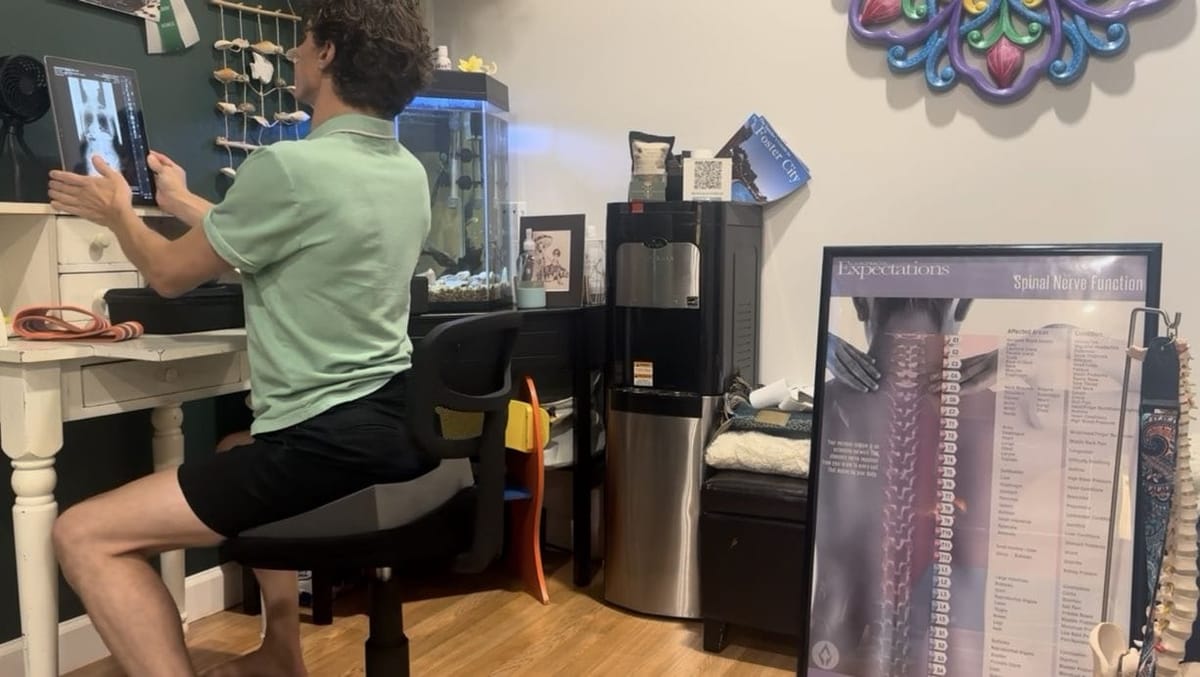
If you spend your workday on a laptop and your evenings scrolling on your phone, you're not alone. Across Foster City, San Mateo and the rest of the Peninsula, a huge share of us earn a living at a screen. Over time, many desk workers notice a familiar pattern: a stiff, achy neck, tight shoulders and headaches that seem to build as the week goes on. This pattern is often called "tech neck." Here's what causes it, how to spot it, simple changes you can make today, and when it might be time to see a chiropractor.
What is tech neck?
"Tech neck" (or "text neck") isn't a formal diagnosis. It's a popular name for neck and upper-back strain linked to spending long periods with your head tipped forward and down, looking at a phone, tablet or laptop.
Your head is heavy, and your neck is designed to balance it most easily when your ears sit roughly over your shoulders. A frequently cited 2014 modeling study by spine surgeon Kenneth Hansraj, published in Surgical Technology International, estimated that an adult head weighs about 10 to 12 pounds in a neutral position, and that the forces on the neck rise as the head tilts forward: to an estimated 27 pounds at 15 degrees, 40 pounds at 30 degrees, 49 pounds at 45 degrees and 60 pounds at 60 degrees. It's a computer model rather than a measurement in real people, but it illustrates why hours of looking down can leave your neck and shoulder muscles working overtime.
Common causes for Peninsula desk workers
- Laptop-only setups. A laptop screen sits low, so your head drifts forward and down to see it.
- Monitors that are too low, too far or off to the side. You end up craning, twisting or leaning in.
- Phone time. Looking down at a phone in your lap or on the couch adds up quickly.
- Long, uninterrupted sitting. Even a good setup becomes uncomfortable when you don't move for hours.
- Couch and kitchen-counter "offices." Hybrid and remote work often means less-than-ideal workstations.
- Stress. Deadlines and long days can show up as tension in the neck, shoulders and jaw.
Signs you might be dealing with tech neck
- Neck stiffness or soreness that worsens through the workday
- Tight, achy shoulders or upper back, especially between the shoulder blades
- Tension headaches that start at the base of the skull
- A forward-head, rounded-shoulder posture when you catch your reflection
- Reduced range of motion turning your head (for example, checking your blind spot)
Simple ergonomic fixes you can make today
Mayo Clinic's office ergonomics guidance is a practical place to start:
- Raise your screen. Place your monitor directly in front of you, about an arm's length away (roughly 20 to 40 inches), with the top of the screen at or slightly below eye level. If you wear bifocals, lower it another 1 to 2 inches.
- Give your laptop a lift. Use a laptop stand or a stack of books with a separate keyboard and mouse, or connect to a larger monitor.
- Keep your keyboard and mouse close. Keep wrists straight, upper arms close to your body, and hands at or slightly below elbow height.
- Support your low back. Sit back in your chair, using a lumbar support or small pillow if needed.
- Bring your phone up. Lift your phone toward eye level and lower your eyes, rather than dropping your head.
- Move often. Mayo Clinic notes that no matter how good your setup is, sitting in the same position for hours isn't good for your body. Stand, walk and change positions throughout the day.
Eye strain often goes hand in hand with neck strain. Mayo Clinic suggests the 20-20-20 rule: every 20 minutes, look at something 20 feet away for at least 20 seconds.
Four gentle stretches and habits to try
These are gentle movements many people find comfortable. Move slowly, breathe, and stay in a pain-free range. Stop if anything causes pain, numbness or tingling, and check with your healthcare provider if you have a known neck condition.
1. Chin tucks
Sit or stand tall. Gently draw your chin straight back, as if making a slight "double chin," keeping your eyes level. Hold for 3 to 5 seconds, then relax. Repeat 8 to 10 times. This encourages your head to rest back over your shoulders.
2. Shoulder blade squeezes
Sit tall with your arms relaxed. Gently draw your shoulder blades back and slightly down, as if tucking them into your back pockets. Hold for 5 seconds, then release. Repeat 10 times.
3. Doorway chest stretch
Stand in a doorway with your forearms on the frame, elbows at about shoulder height. Step one foot forward until you feel a gentle stretch across the front of your chest. Hold for 20 to 30 seconds. Long hours at a keyboard tend to round the shoulders forward, and this helps open them back up.
4. Hourly movement breaks
Set a reminder to stand up at least once an hour. Roll your shoulders, take a short walk, refill your water, or take a phone call standing up. Small, frequent breaks often do more than one long stretch at the end of the day.
When to see a chiropractor
Consider booking a visit if neck or upper-back discomfort keeps coming back despite changes to your setup, if it's affecting your work, sleep or workouts, or if you'd like a professional assessment of your posture and workstation habits.
See a physician promptly if neck pain follows a fall, car accident or other injury, or comes with numbness, tingling or weakness in your arms, a severe or sudden headache, fever, or dizziness. For any severe or worsening symptoms, seek medical care right away.
How we help at Aligned Healing Chiropractic
At our Foster City office, care starts with listening and a thorough examination, including neurologic and orthopedic examination and posture screening. From there, your plan may include:
- Gentle, specific adjustments. Full-spine chiropractic looks at the whole spine, from the neck to the pelvis, rather than only the area that hurts.
- Soft tissue work. Soft tissue techniques may be used alongside adjustments to help ease tension and support more comfortable movement.
- Ergonomics and posture coaching. We offer practical recommendations for your workstation, phone and laptop habits, and daily movement, so the benefits of care carry over into everyday life.
- Support at home. Ask us about the at-home tools our doctors recommend, such as Rapid Release vibration therapy, on our Recommended Products page.
Learn more about ergonomics & posture coaching and our other services, or see what to expect on your first visit.
Tired of tech neck? Let's take a look.
Book a new patient visit at our Foster City office, or call with questions.
This article is for general education and isn't medical advice. If you have ongoing or severe symptoms, please consult a qualified healthcare provider.
Sources
- Hansraj KK. Assessment of stresses in the cervical spine caused by posture and position of the head. Surg Technol Int. 2014;25:277-279.
- Mayo Clinic. Office ergonomics: Your how-to guide.
- Mayo Clinic. Eyestrain: Diagnosis and treatment.